
At OEG, we believe the best gift you can give is the gift of knowledge. That's why we're thrilled to introduce our brand-new OEG Referral Rewards program! It's our way of saying "Thank You" for being a dedicated part of our incredible community of learners—now you can share your love for OEG One with your peers and get rewarded in return.
A Gift for Your Friends, A Reward for You
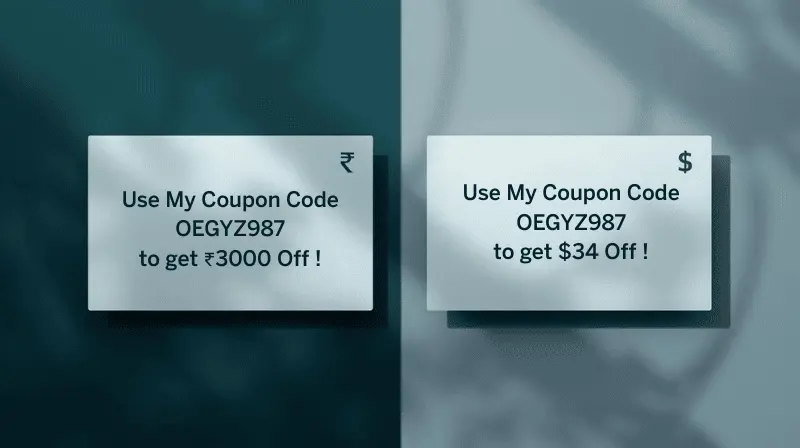
Your referral code is like a golden ticket to a world of professional growth. When you share your unique code with a friend, student, or colleague who hasn't joined OEG One yet, they'll receive an exclusive discount on their first purchase to help them kickstart their journey:
- ₹3,000 off for our friends in India.
- $34 off for our international community.
But the rewards don't stop there! We want to recognize your generosity. For every friend who joins the OEG family using your code, we'll add one full month (30 days) to your OEG One subscription—absolutely free. The best part? There's no limit to how many months you can earn. Refer 12 friends, and you've just earned yourself an entire year of premium learning! Even if your subscription has currently expired, a successful referral will instantly grant you 30 days of access to get you back on track with your learning journey.
How to Share and Earn Rewards: A Step-by-Step Guide
Ready to start sharing? It's quick and easy! Follow these simple steps to find your code and start earning rewards:
Step 1: Log In to Your OEG Account
Head over to the OEG website and log in to your account. Your referral journey starts in your personal member area.
Step 2: Visit the Referral Rewards Dashboard
Once logged in, navigate to the My Account section and click on the Referral Rewards tab. This is your referral hub where you can manage everything. You can also go directly to https://portal.oracleerpguide.com/my-account/referral-rewards.

Step 3: Grab Your Unique Code
On your dashboard, you'll see your unique referral code (it looks something like OEGGK236). Click the Copy button to save it to your clipboard instantly.

Step 4: Share Your Code Far and Wide
Use our built-in sharing buttons to send your code via WhatsApp, Email, or LinkedIn with just one click. You can also share your direct referral link on social media. Tell your friends about the massive discount they'll get and the amazing content waiting for them at OEG One.

Step 5: Track Your Rewards
Return to your Referral Rewards dashboard anytime to see how many successful referrals you've made and how many months you've earned. You'll see your subscription expiry date move further into the future with every successful sign-up!

Start sharing your OEG Referral code today and help others advance their careers while earning rewards for yourself!
Happy Learning!
The OEG Team